Logrotate for Visual Studio Code
Logrotate adds language-aware editing for logrotate configuration and state files in Visual Studio Code. Highlighting appears as soon as a recognized file opens. Diagnostics, completion, hover, navigation, and formatting follow when the language server starts.
Start editing
Section titled “Start editing”Install Logrotate from the Visual Studio Marketplace or Open VSX, then open a configuration file. A local logrotate installation is not required for normal editing.
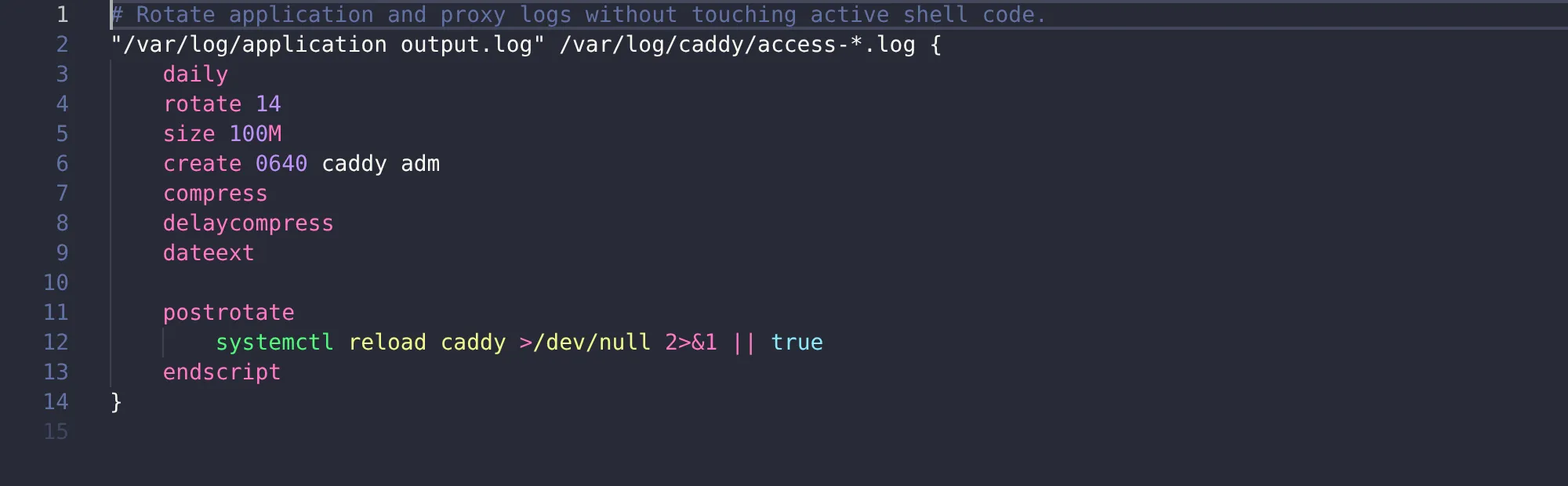
The extension understands includes, script blocks, state files, and the syntax reviewed for logrotate 3.22. It works in local, remote, virtual, and browser workspaces where the corresponding Visual Studio Code feature is available.
Safety
Section titled “Safety”The extension does not rotate logs or run configuration scripts. Formatting preserves script bodies and does not reorder directives.
Start with a configuration file or read how files are recognized.